Uploads by Lebarhon
Jump to navigation
Jump to search
This special page shows all uploaded files.
| Date | Name | Thumbnail | Size | Description | Versions |
|---|---|---|---|---|---|
| 09:53, 26 December 2018 | Rt55 icc profile creator-fr.png (file) |  |
58 KB | French version of Rt55 icc profile creator.png | 1 |
| 09:16, 28 September 2015 | Rt-4.2.286 postresizesharpening-fr.png (file) |  |
42 KB | 1 | |
| 08:30, 18 November 2014 | Flatfield autoselection fr.png (file) |  |
12 KB | Screenshot Flat-Field Correction Auto-selection | 1 |
| 08:15, 18 November 2014 | Flatfield moveto fr.png (file) |  |
175 KB | Screenshot Flat-Field Correction Move to flat-field dir | 2 |
| 12:45, 3 November 2014 | Rt distortion correction-fr.png (file) |  |
7 KB | Distortion Correction tool in RawTherapee 4.1 showing an automatically-computed value. | 1 |
| 08:25, 20 October 2014 | Rt cbdl 25 1 fr.png (file) |  |
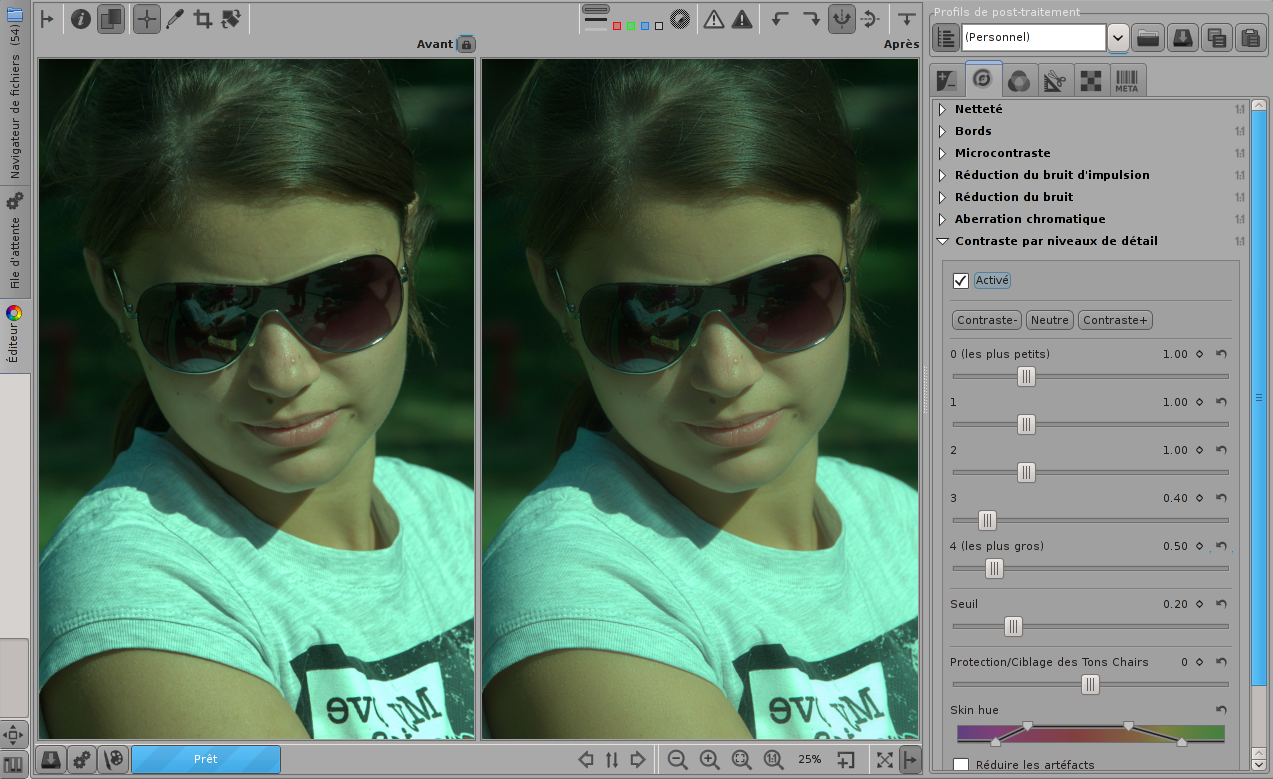
989 KB | Screenshot showing Contrast by Detail Levels used to remove skin blemishes and enhance texture at 25% zoom. It also shows that at this zoom level, the first three sliders have no effect on the downscaled preview image. | 1 |
| 08:19, 20 October 2014 | Rt cbdl 25 2 fr.png (file) |  |
984 KB | Screenshot showing Contrast by Detail Levels used to remove skin blemishes and enhance texture at 25% zoom. It also shows that at this zoom level, the first three sliders have no effect on the downscaled preview image. Seeing the whole downscaled image... | 1 |
| 08:12, 20 October 2014 | Rt cbdl 100 fr.png (file) |  |
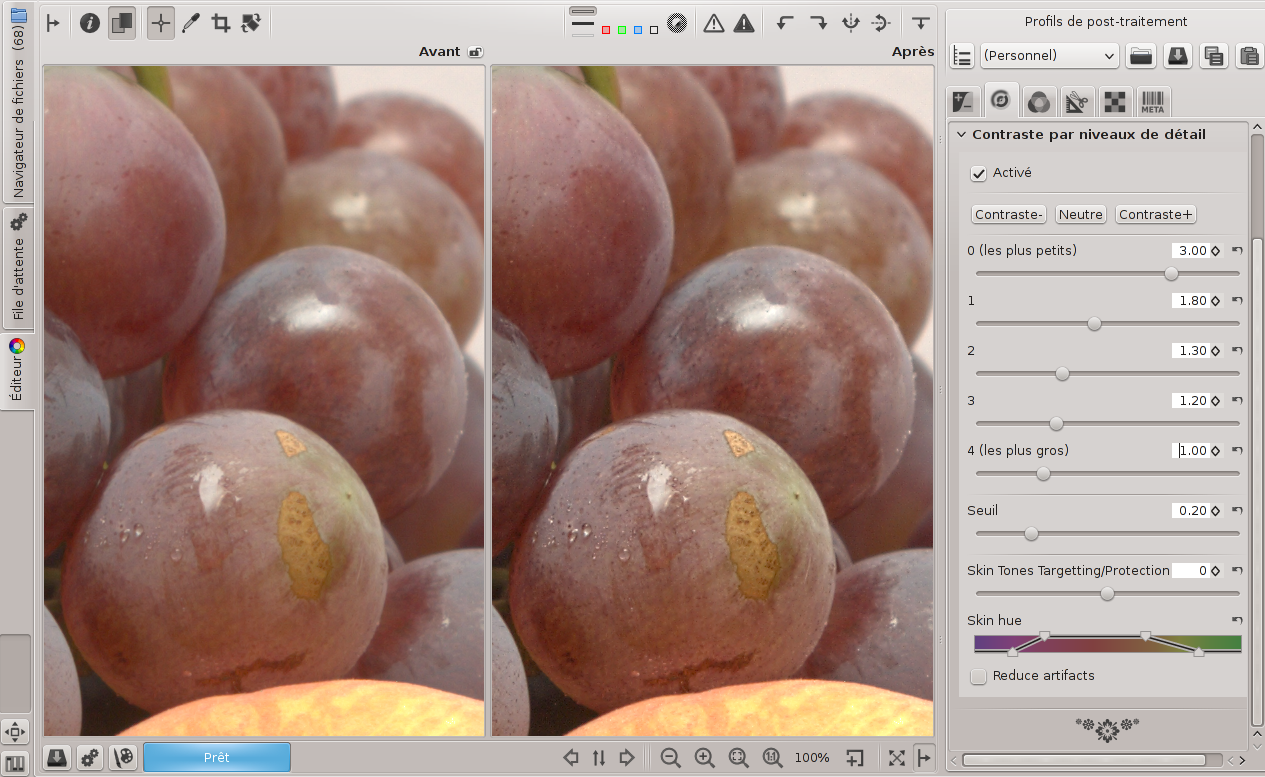
803 KB | Screenshot showing Contrast by Detail Levels used to remove skin blemishes and enhance texture at 100% zoom. At this level, every slider has a clear effect. | 1 |
| 14:47, 16 October 2014 | Rt nr luminancecurve books fr.png (file) |  |
224 KB | The Noise Reduction tool uses the Luminance Curve to completely remove noise in dark areas while fully retaining structure of lighter areas. | 1 |
| 19:57, 15 October 2014 | Noisereduction2 fr.png (file) |  |
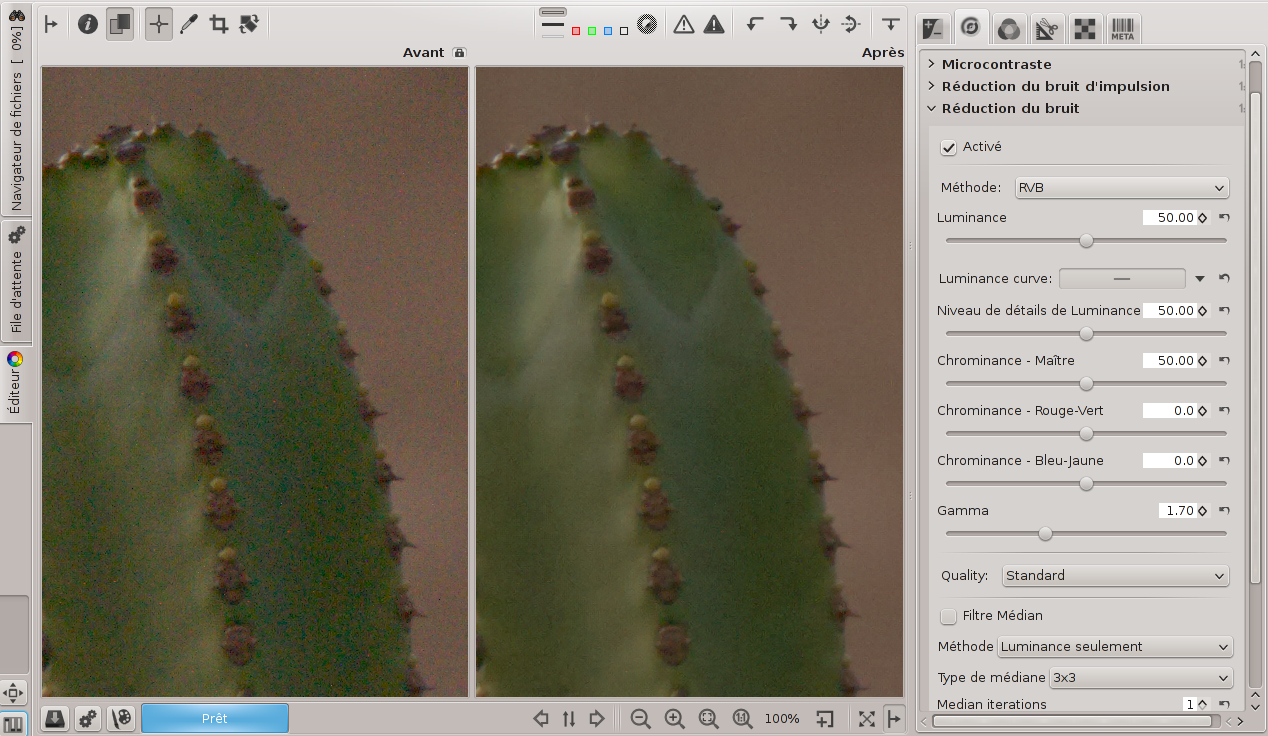
988 KB | Screenshot Noise Reduction | 1 |
| 15:32, 14 October 2014 | Sharpening cbdl fr.png (file) |  |
895 KB | Screenshots Sharpening Contrast by Detail Levels | 1 |
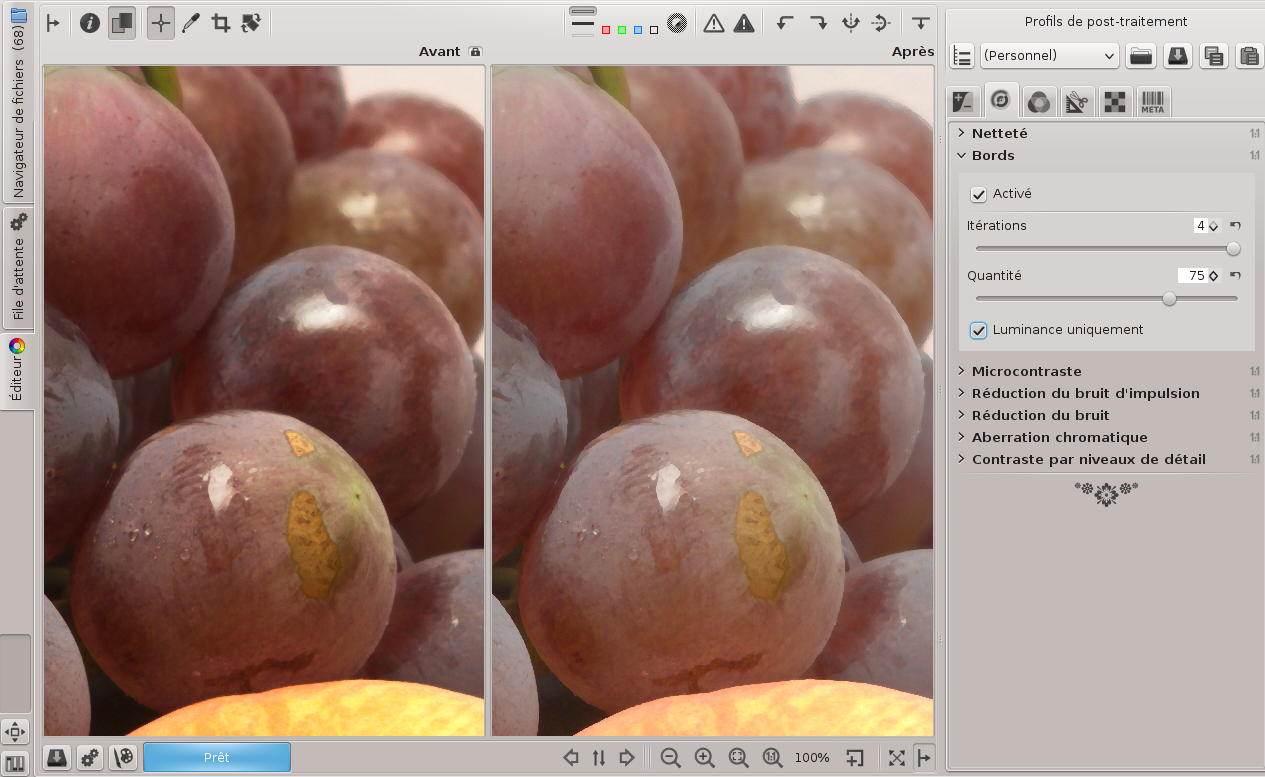
| 15:31, 14 October 2014 | Sharpening edges microcontrast fr.png (file) |  |
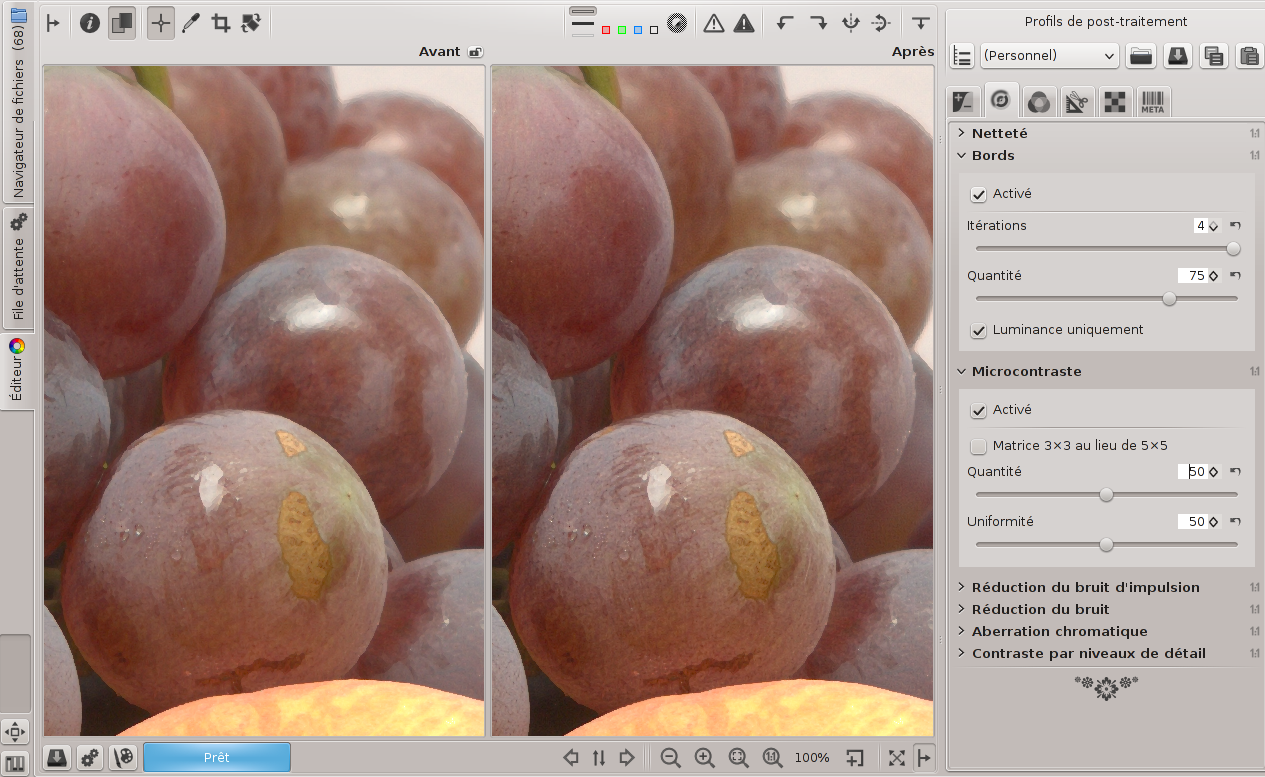
937 KB | Screenshots Sharpening Edges and Microcontrast | 1 |
| 15:30, 14 October 2014 | Sharpening microcontrast fr.png (file) |  |
911 KB | Screenshots Sharpening Microcontrast | 1 |
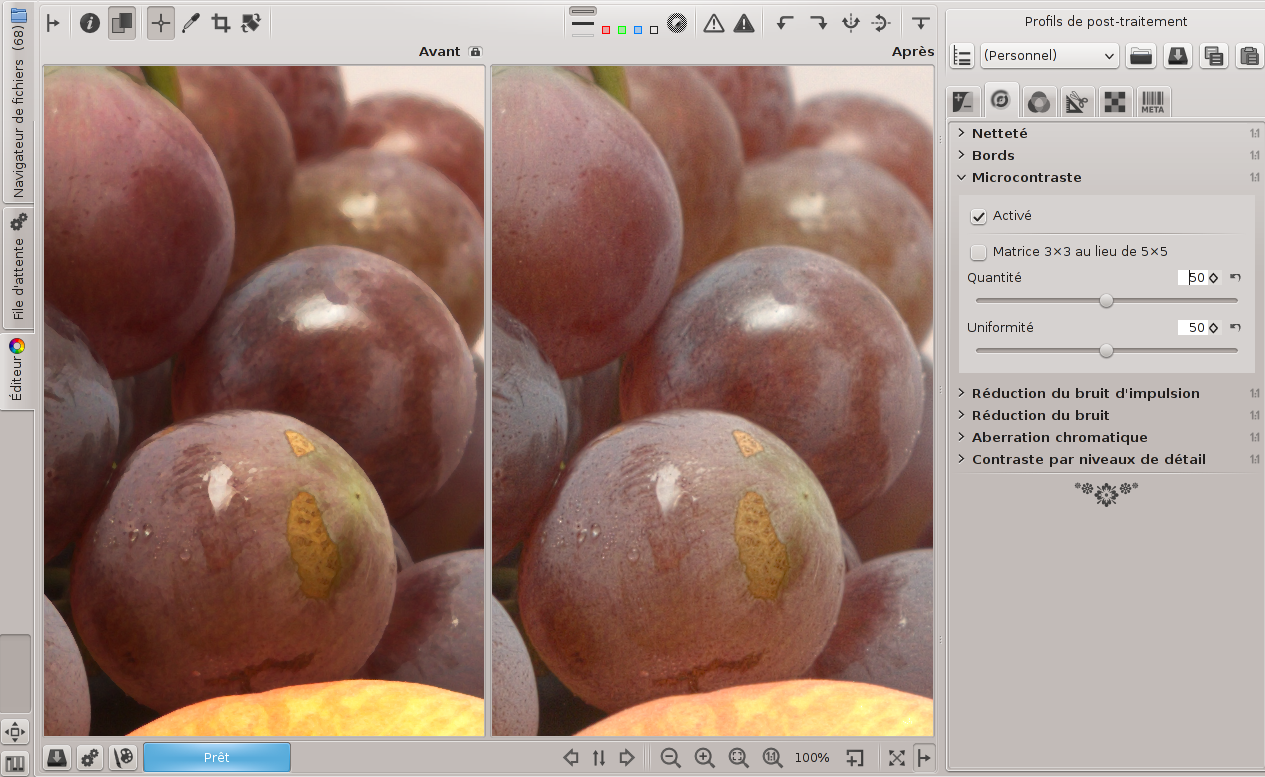
| 15:30, 14 October 2014 | Sharpening edges fr.png (file) |  |
856 KB | Screenshots Sharpening Edges | 1 |
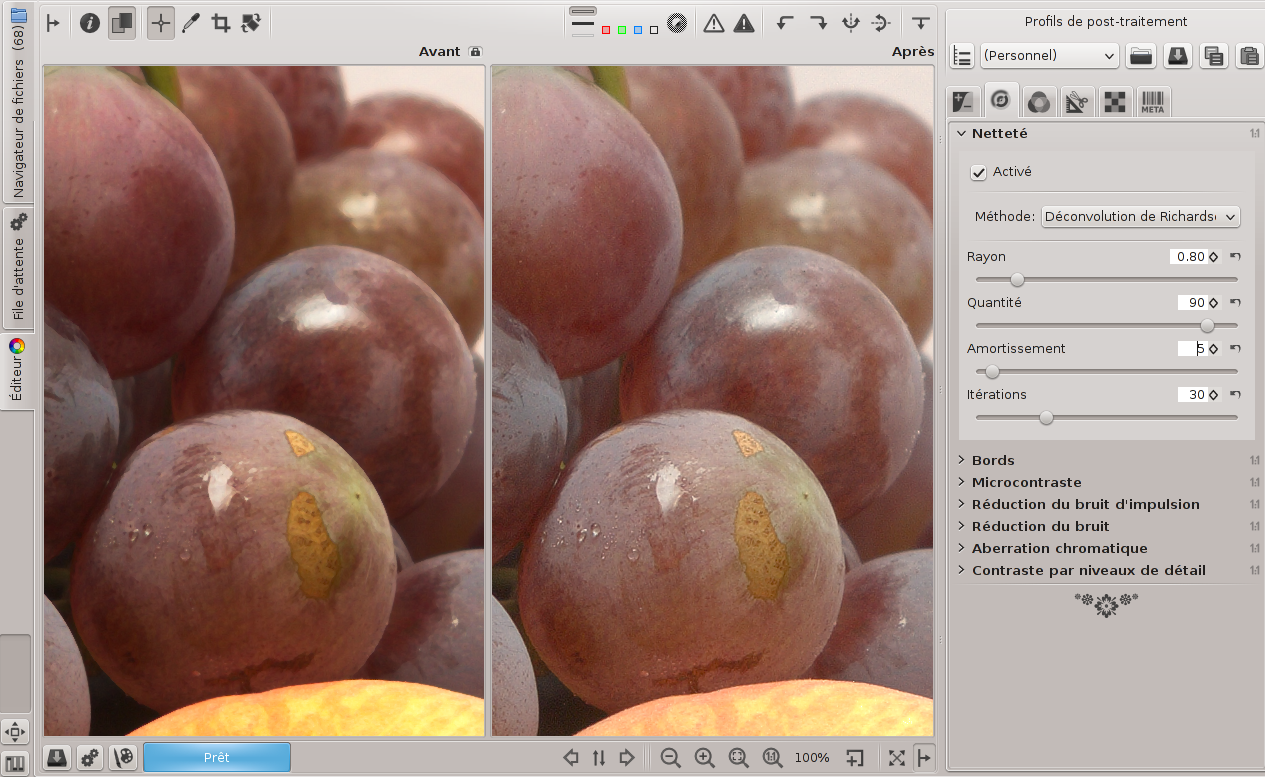
| 15:29, 14 October 2014 | Sharpening rl fr.png (file) |  |
953 KB | Screenshots Sharpening RL Deconvolution | 1 |
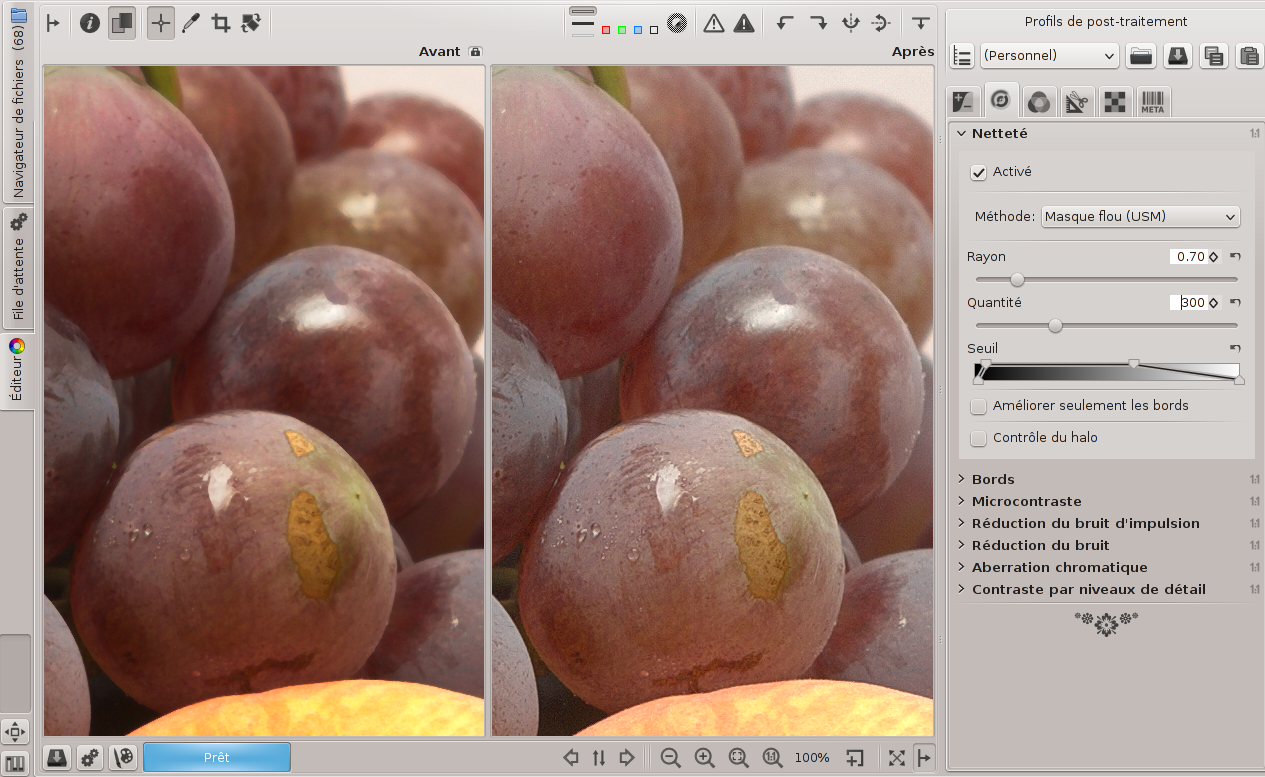
| 15:29, 14 October 2014 | Sharpening usm fr.png (file) |  |
997 KB | Screenshots Sharpening Unsharp Mask | 1 |
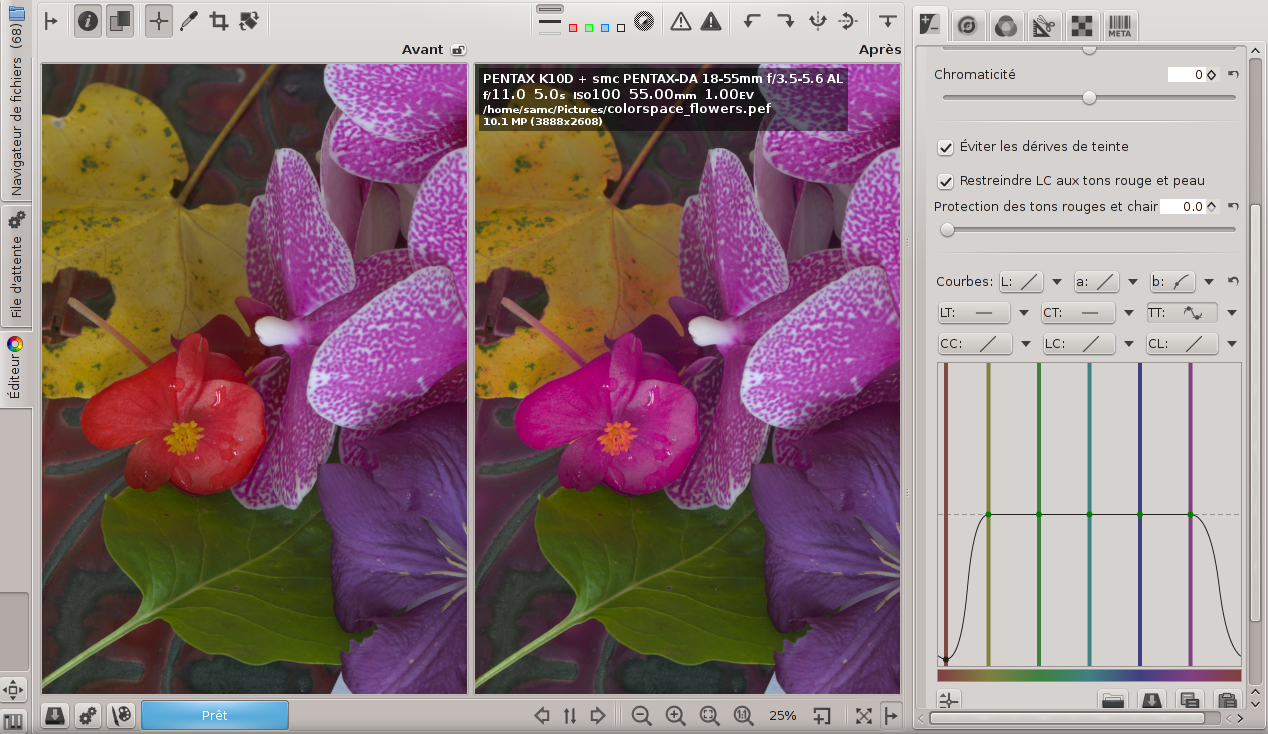
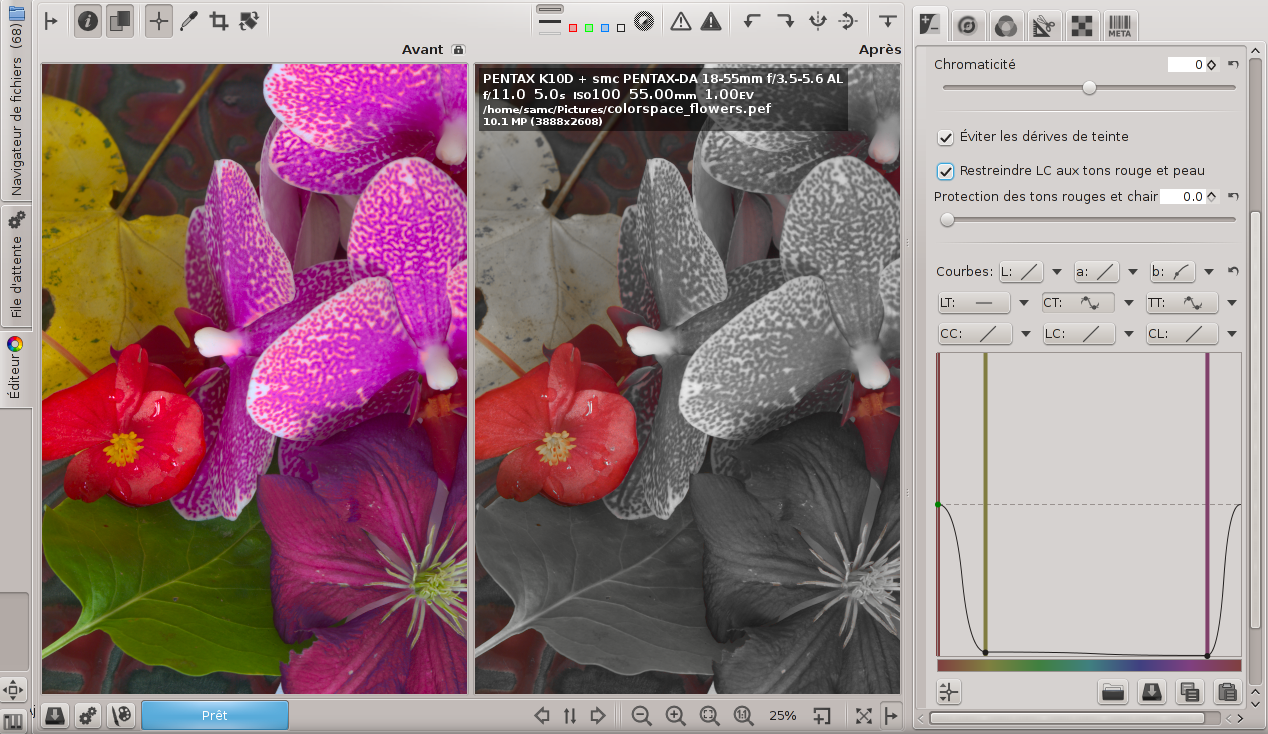
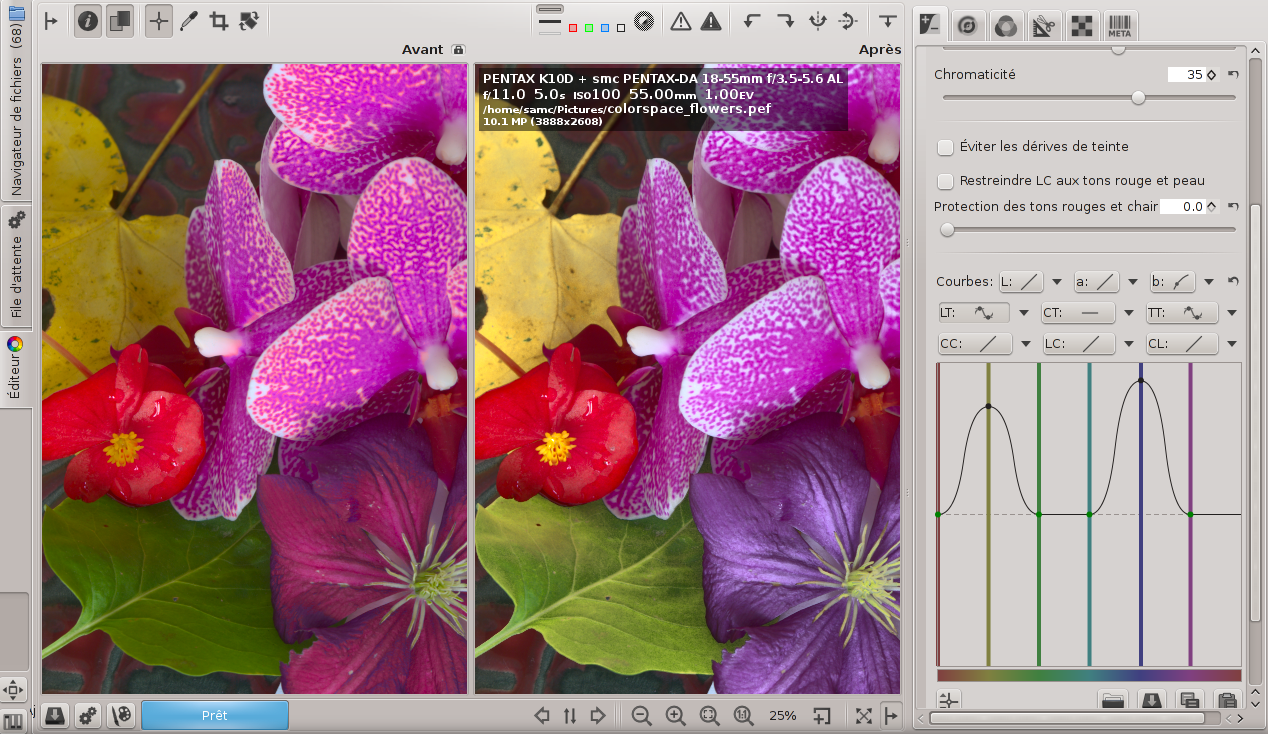
| 09:30, 11 October 2014 | Lab HH BA fr.png (file) |  |
925 KB | Screenshots Lab Adjustments | 1 |
| 09:00, 11 October 2014 | Lab CH BA1 fr.png (file) |  |
925 KB | Screenshots Lab Adjustments | 1 |
| 08:56, 11 October 2014 | Lab LH BA fr.png (file) |  |
1.01 MB | Screenshots Lab Adjustments | 1 |
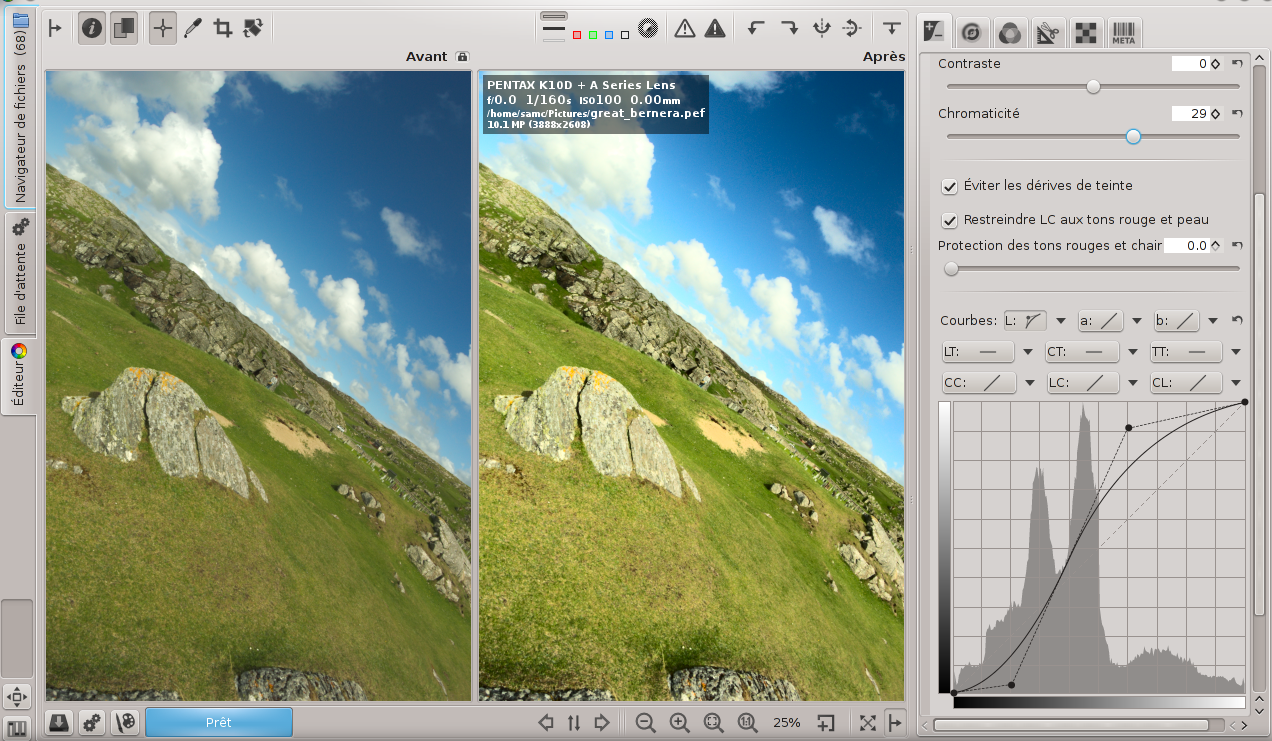
| 08:22, 11 October 2014 | Lab L BA fr.png (file) |  |
1.06 MB | Screenshots Lab Adjustments | 1 |
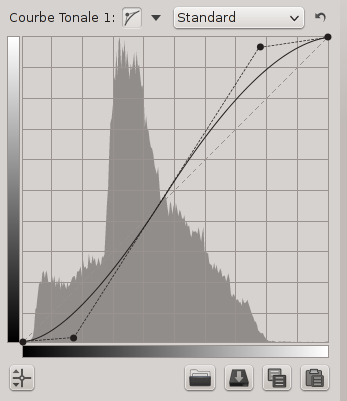
| 11:15, 7 October 2014 | Curve control cage s fr.png (file) |  |
21 KB | Screenshot Control Cage s-shaped curve | 1 |
| 11:09, 7 October 2014 | Curve contol cage s fr.png (file) |  |
21 KB | Screenshot Control Cage s-shaped curve | 1 |
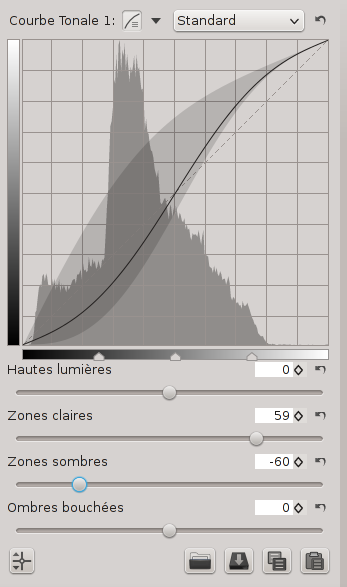
| 11:08, 7 October 2014 | Curve parametric s fr.png (file) |  |
33 KB | Screenshot Parametric s-shaped curve | 1 |
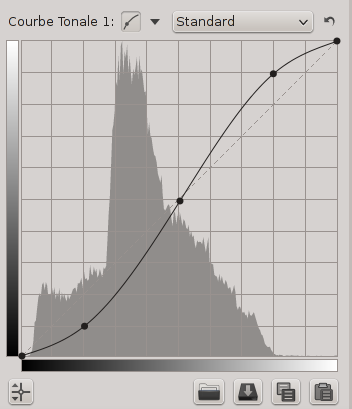
| 11:07, 7 October 2014 | Curve custom s fr.png (file) |  |
19 KB | Screenshot Custom s-shaped curve | 1 |
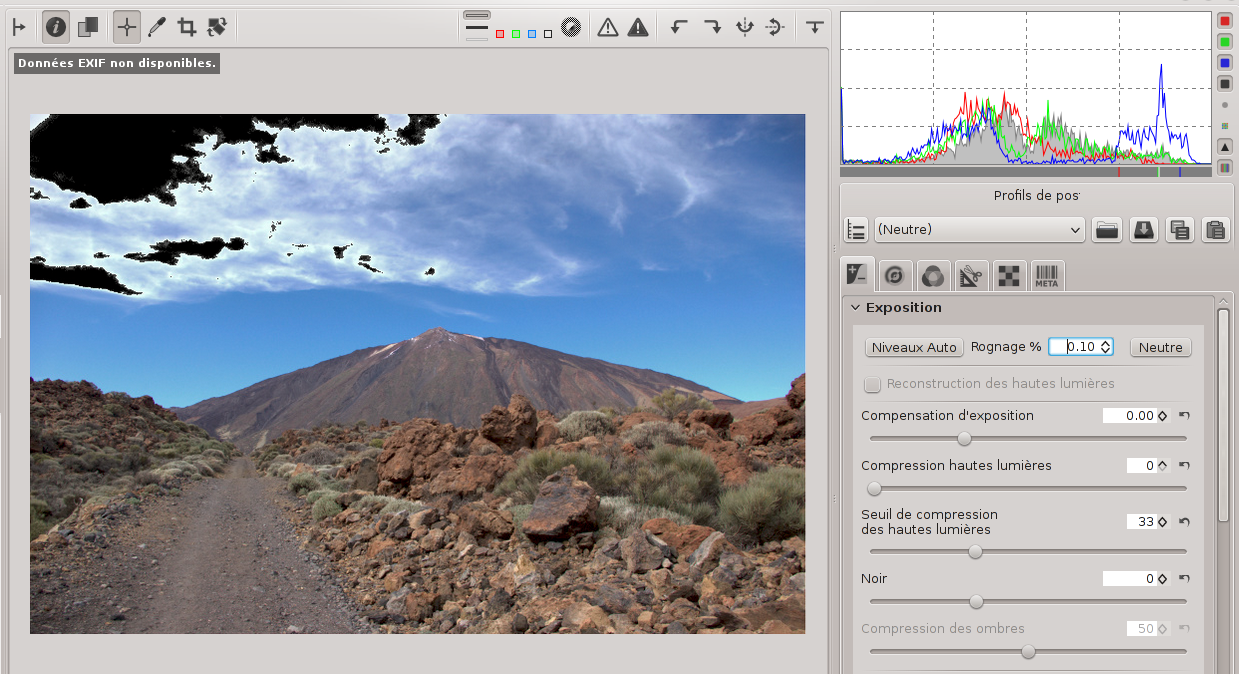
| 18:12, 6 October 2014 | Hra 0 chi fr.png (file) |  |
762 KB | Screenshot Exposure - Highlight Compression and Reconstruction | 1 |
| 18:06, 6 October 2014 | Hra 1 chi fr.png (file) |  |
762 KB | Screenshot Exposure - Highlight Compression and Reconstruction | 1 |
| 18:05, 6 October 2014 | Hra 0 fr.png (file) |  |
747 KB | Screenshot Exposure - Highlight Compression and Reconstruction | 1 |
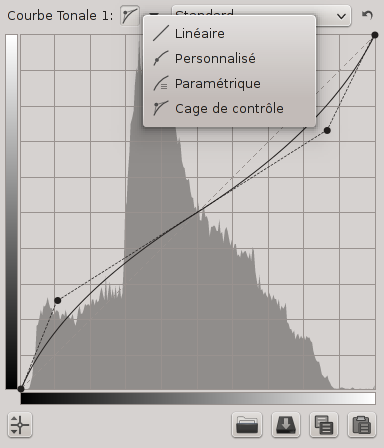
| 07:50, 25 September 2014 | Tone Curve fr.png (file) |  |
30 KB | Screen shot of Tone Curve editor showing type drop down box. | 1 |
| 14:12, 24 September 2014 | Rt pipette 2 lab ba fr.png (file) |  |
681 KB | RawTherapee's pipette tool activated for the HH curve (Lab Adjustments) in Before|After view. | 1 |
| 09:34, 23 September 2014 | Sharpening Threshold fr.png (file) |  |
3 KB | Screenshot of curve used to set sharpening threshold | 1 |
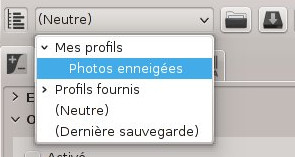
| 15:02, 17 September 2014 | Rt imageeditor customprofile cropped fr.jpg (file) |  |
15 KB | Apply a custom-made processing profile using the drop-down menu in the Processing Profile Selector in the Editor tab. | 1 |
| 14:58, 17 September 2014 | Rt imageeditore customprofile cropped fr.jpg (file) |  |
15 KB | Apply a custom-made processing profile using the drop-down menu in the Processing Profile Selector in the Editor tab. | 1 |
| 14:49, 17 September 2014 | Rt file browser custom profile fr.jpg (file) |  |
113 KB | Apply a custom-made processing profile using the context menu in the File Browser (or Filmstrip). | 1 |
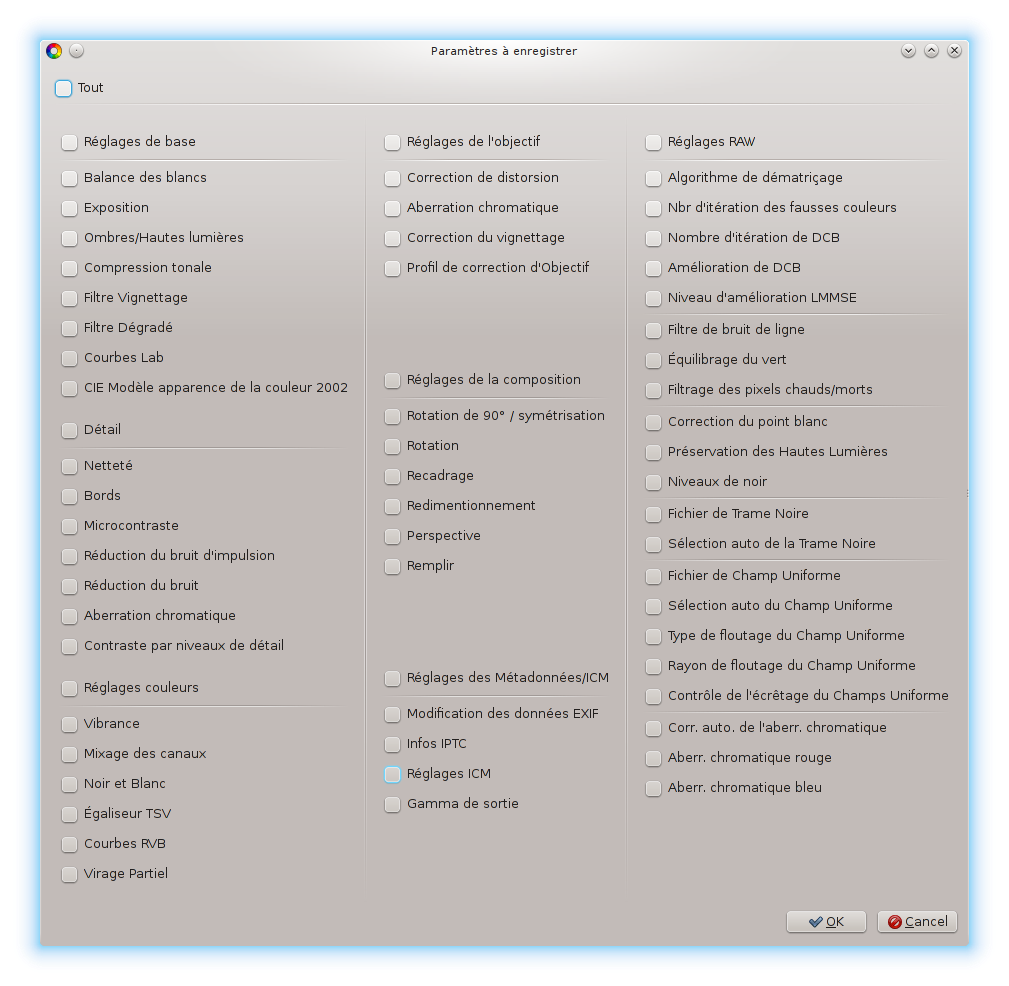
| 14:17, 17 September 2014 | Pp3 partial window fr.png (file) |  |
143 KB | Screenshot Save Partial Processing Profile window | 1 |